I was sitting at my regular breakfast café, iPad Mini in hand, when I wanted to show a friend something I'd been building — a suite of internal tools running on a local Next.js server back at my home office. Not on the cloud. Not on some hosted service. Literally on a machine sitting on my desk a few kilometres away.
I just typed the address, and it loaded. Instantly.
That was my Tailscale moment.
What Is Tailscale?
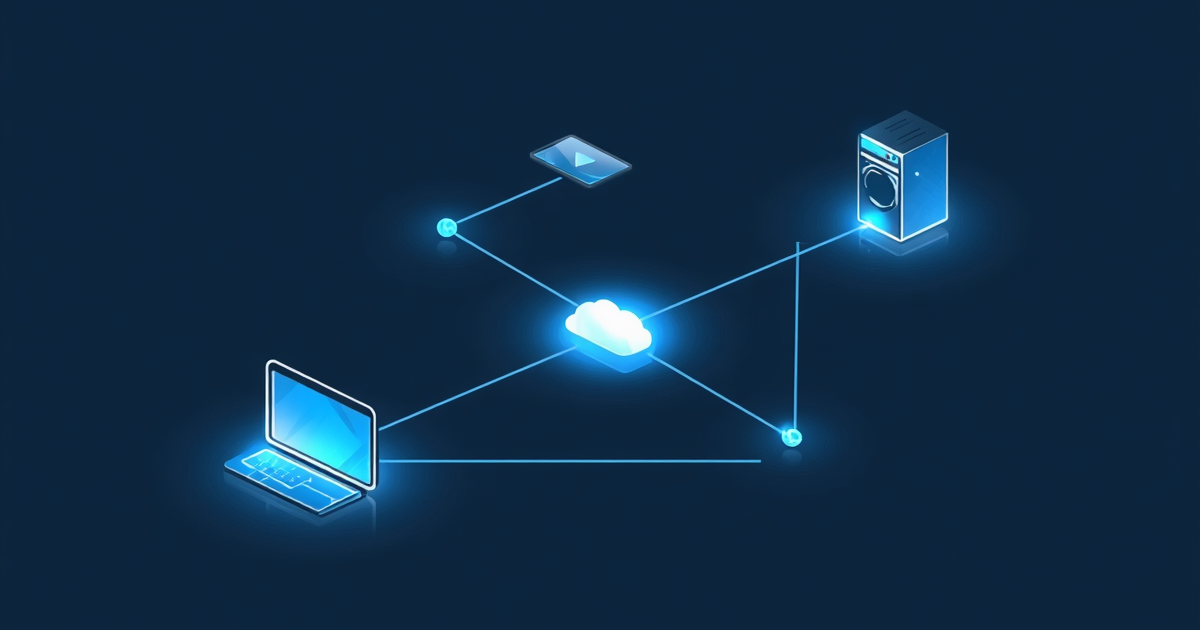
Tailscale is a modern VPN built on top of WireGuard. But calling it a VPN undersells it — what it actually does is create a private mesh network between all your devices. Every device gets its own IP address on your Tailscale network, and they talk to each other directly, peer-to-peer, with no open ports and no fiddling with your router.
You install it, log in with Google or GitHub, and that's essentially it. Your devices find each other automatically.
No port forwarding. No dynamic DNS. No certificates. No exposed attack surface.
Why It Solves a Real Problem
If you run any kind of home server — a NAS, a media server, a self-hosted app — you've probably hit this wall: how do you access it when you're not home without punching holes in your router?
The traditional answer is port forwarding, which works but requires you to expose specific ports to the open internet. That means your device is reachable by anyone who finds it. Even with strong passwords, it's not ideal.
Tailscale's approach is different. Nothing is exposed to the internet. Your devices only communicate through your private Tailscale network. Outside traffic never touches them.
Getting Started (It's Faster Than You Think)
If you've never set up a VPN before and the word "WireGuard" sounds intimidating, don't let it. Tailscale abstracts all of that away. Here's all you actually need to do:
Step 1: Create a free account. Go to tailscale.com and sign up with your Apple, Google, Microsoft, or GitHub account. You can even setup an account with your own login info. No credit card required.
Step 2: Install it on your first device. Download the app for your platform — Windows, macOS, Linux, iOS, Android, it's everywhere. Open it, log in with the same account, and you're on your Tailscale network.
Step 3: Install it on a second device. Same process. Log in with the same account. The two devices will find each other automatically and appear in your Tailscale admin dashboard.
That's it. You can now reach device one from device two using its Tailscale IP address — something like 100.x.x.x. No router config, no firewall rules, nothing.
One feature worth knowing about: MagicDNS. Once enabled in your Tailscale settings, your devices get human-readable names instead of IPs. So instead of typing 100.64.0.2:3000, you can type mac-mini:3000. It's a small thing, but it's genuinely useful.
How I Use It
My home setup isn't simple — I run a Proxmox server, two NAS devices, and a handful of services I rely on daily. Before Tailscale, accessing any of it remotely meant either setting up a traditional VPN (tedious) or just not bothering.
Today, I use Tailscale for two things almost daily:
Accessing my personal suite of tools i am building up. This is a Next.js app I built that runs entirely on my local network. With Tailscale, I can reach it from my iPad Mini or MacBook Air as if I'm sitting at my desk. That café moment I mentioned? That's this.
Getting to my Synology NAS. My media lives on a DS923+ at home. When I'm out and want to grab a file or check something, Tailscale gets me there without any port forwarding or public exposure.
That's what I use it for regularly, other times I'll use it to test services out or access other tools on my network. It's become an indispensable tool.
What I'm Running
- Free tier — up to 100 devices, which is more than I'll ever need
- Installed on my M4 Mac Mini, MacBook Air, iPhone, iPad Mini, and Proxmox server
- Zero configuration beyond the initial install
It has never failed me. I've never had to think about it once it was set up, which is exactly what you want from infrastructure.
One Thing Tailscale Is Not
Worth being clear about this: Tailscale is not a privacy VPN.
If you're looking for something to hide your traffic from your ISP, spoof your location for streaming, or route everything through an exit server in another country — that's a different tool. PIA, Mullvad, and similar services are built for that.
Tailscale is built for one thing: securely connecting your own devices to each other. It does that extremely well. Just don't confuse the two.
Who This Is For
You don't need a homelab to benefit from Tailscale. If you have even one device you want to reach remotely — a desktop at home, a Raspberry Pi, an old laptop running as a server — Tailscale is the simplest, safest way to do it.
It's also free for personal use. There's genuinely no reason not to try it.
If you've been putting off setting up remote access because it seemed complicated, Tailscale is the tool that makes it stop being complicated.